Captivate candidates with dynamic visual content using the Video module. Showcase your company culture, values, and team dynamics through engaging videos to leave a lasting impression.
The module – what it can look like

You select the Video module – just like all other modules – via the "Add" button. There you can choose between different templates. The video templates differ in size.
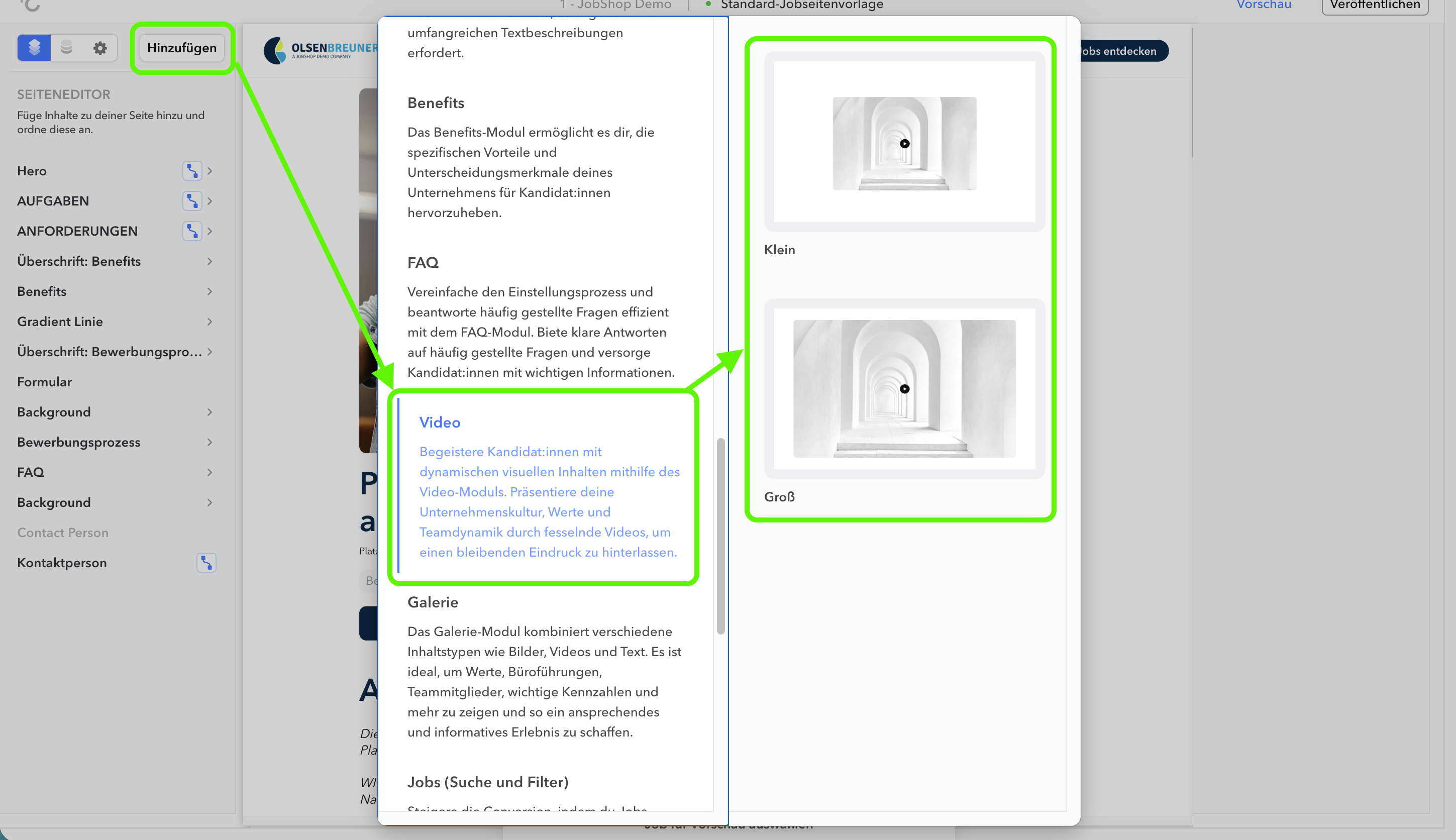
Templates
| Template Name | Preview |
|---|---|
| Small |  |
| Large |  |
Settings
In the left column of the editor you can select the Video module. The respective editing is then done in the right column.
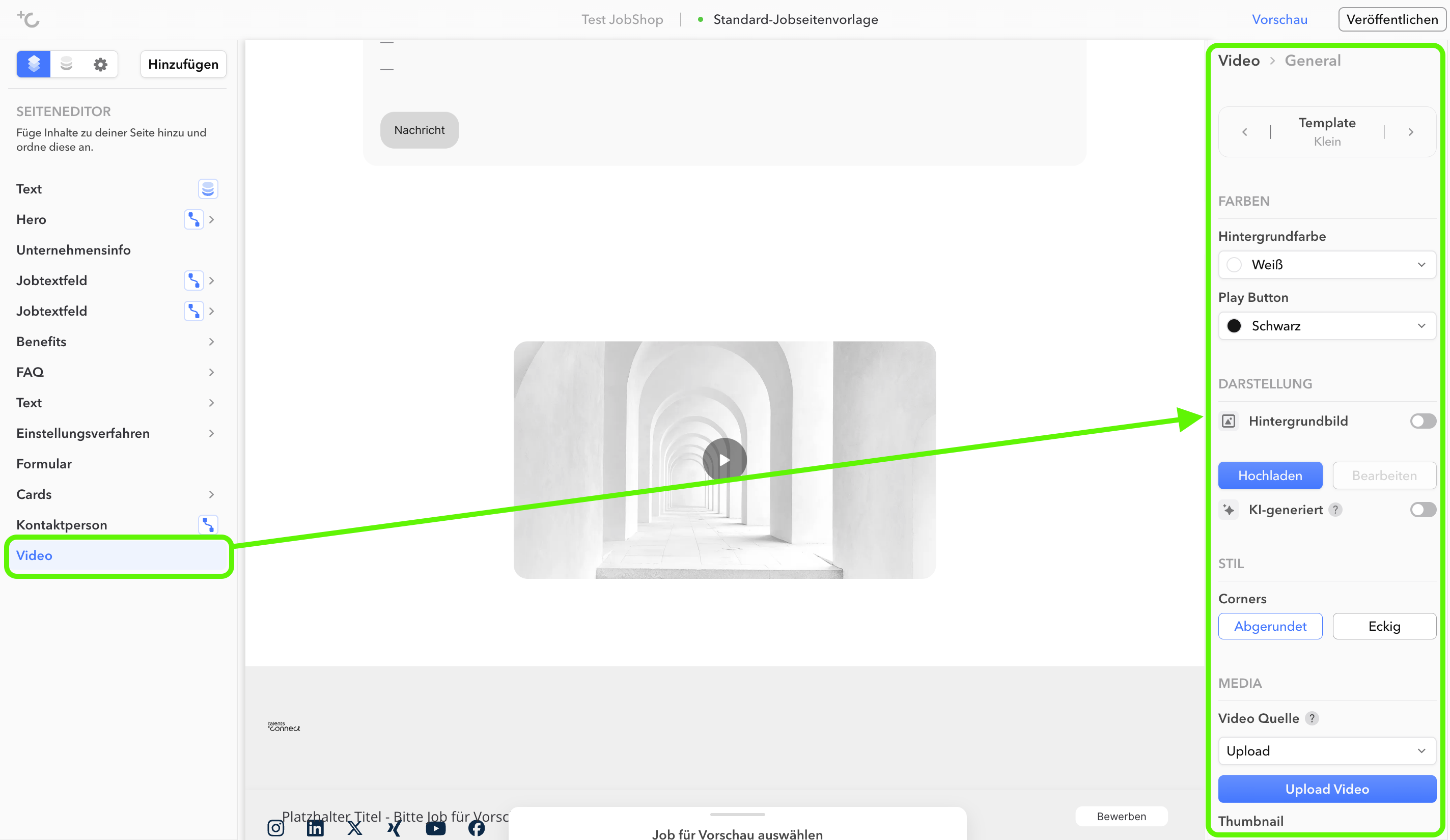
Video module: Global settings

Note: Labeling AI-generated images
⚠ As of August 2, 2026, Article 50 of the EU AI Act requires labeling of AI-generated images that would otherwise pass as genuine – for example, photorealistic people, places, or company scenes. Logos, favicons, icons, and award badges are exempt.
You can find more information in the article Labeling AI-generated images.
You can find more information in the article Labeling AI-generated images.
As of: August 2026 ✦ Language: English
Was this article helpful?
That’s Great!
Thank you for your feedback
Sorry! We couldn't be helpful
Thank you for your feedback
Feedback sent
We appreciate your effort and will try to fix the article