The editor saves automatically while you type – convenient, until it isn't. If the wrong section gets deleted or text is accidentally overwritten, the change is already saved before you notice. Until now, there was no way to recover from this – only the tedious process of rebuilding manually. On top of that, the editor previously gave no indication of whether a change had actually been saved: it simply happened in the background, successfully or not.
What's new
Save status in the header: The editor now shows whether the last change was successfully submitted, and clearly alerts you when a save fails, instead of leaving it unclear.
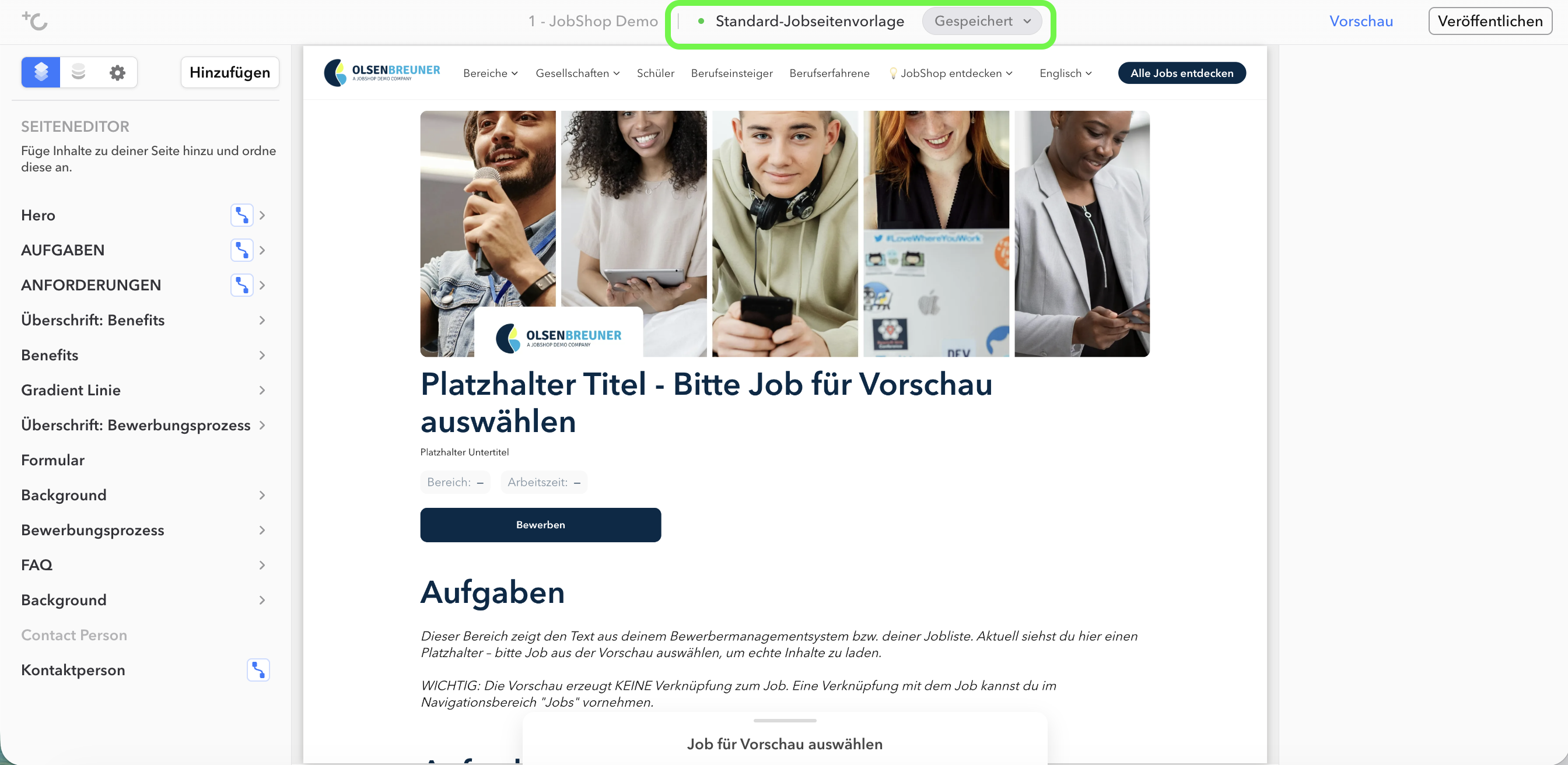
Restore point: Before making a risky change, you can create a snapshot of the draft. There is one restore point per page, including the time and the person who created it. A new snapshot replaces the old one – you will be asked to confirm beforehand. Restoring does not consume the snapshot; it can be used as many times as needed.
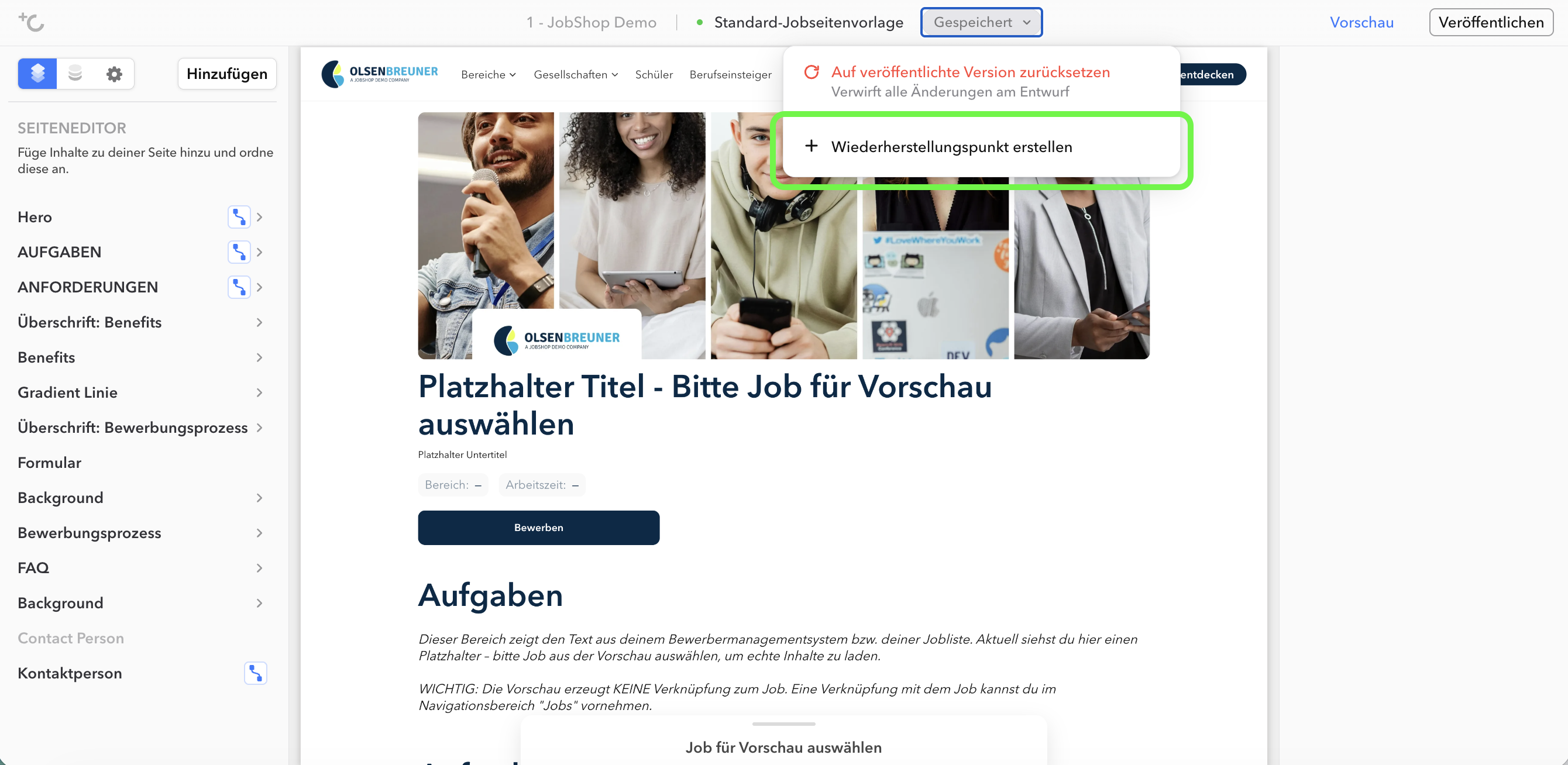
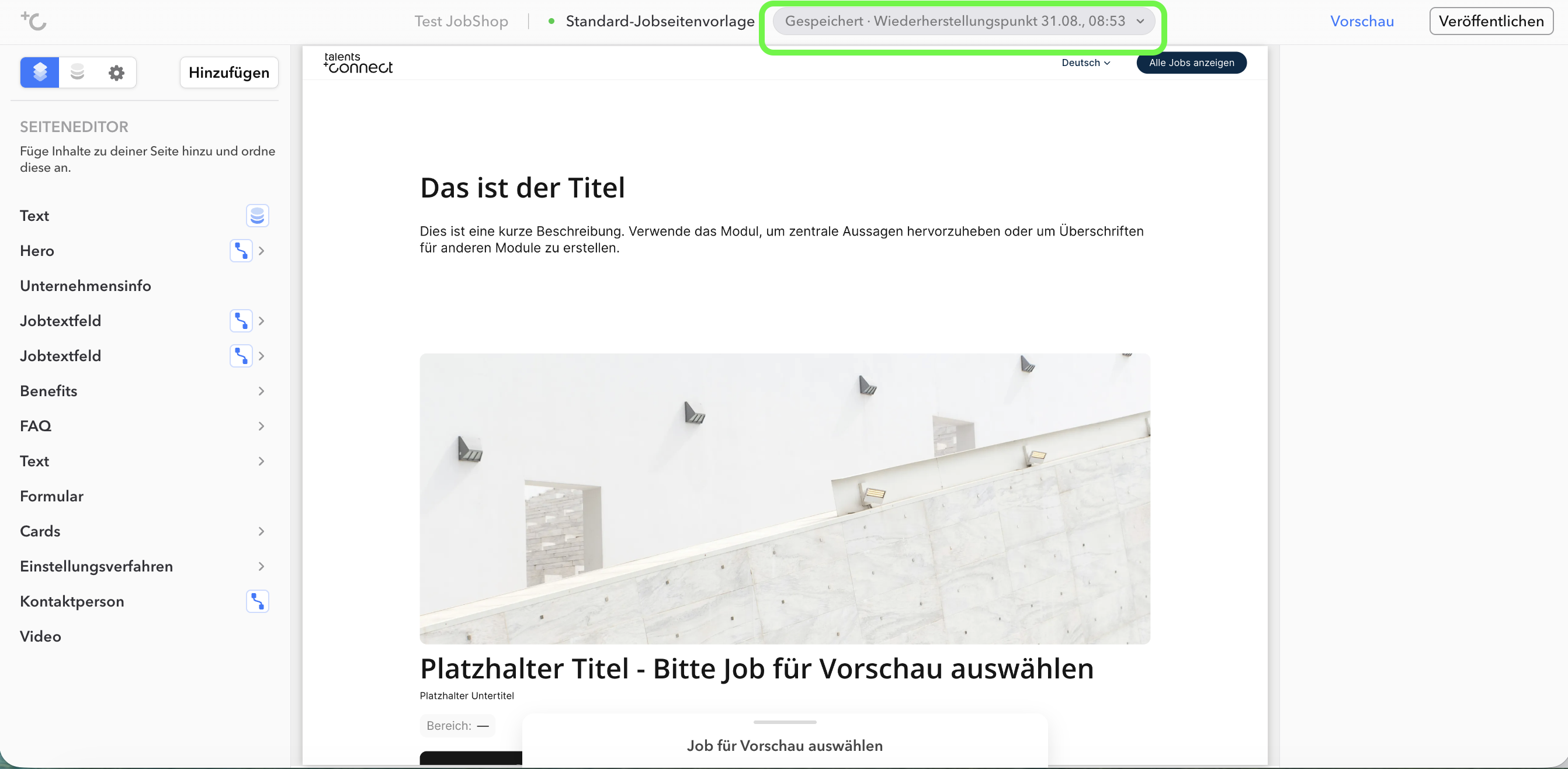
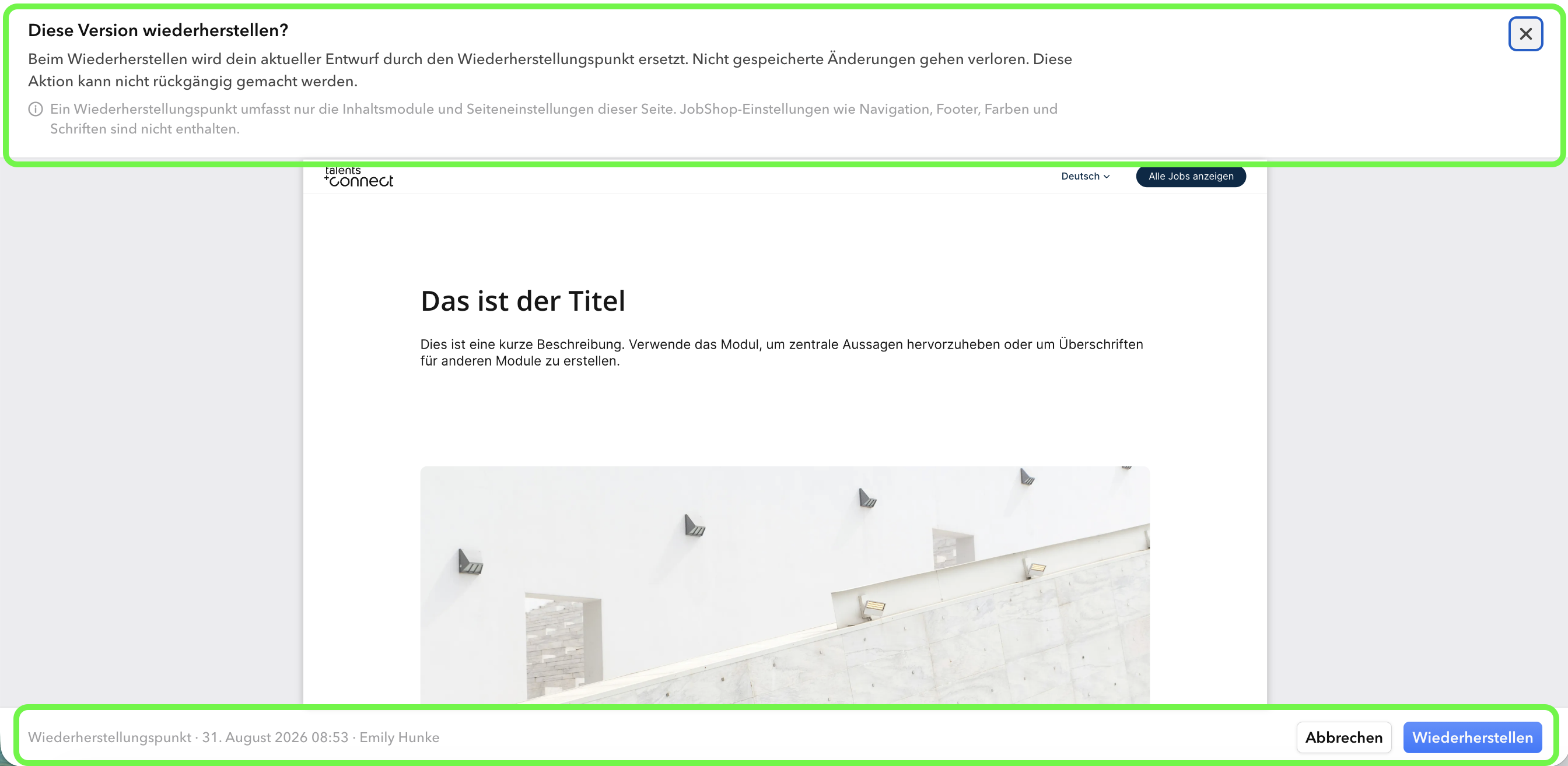
Restore point preview: Clicking "Restore to restore point" opens the saved version in full screen and read-only mode, so you can check whether it is the right version before committing. Nothing is replaced until you confirm.
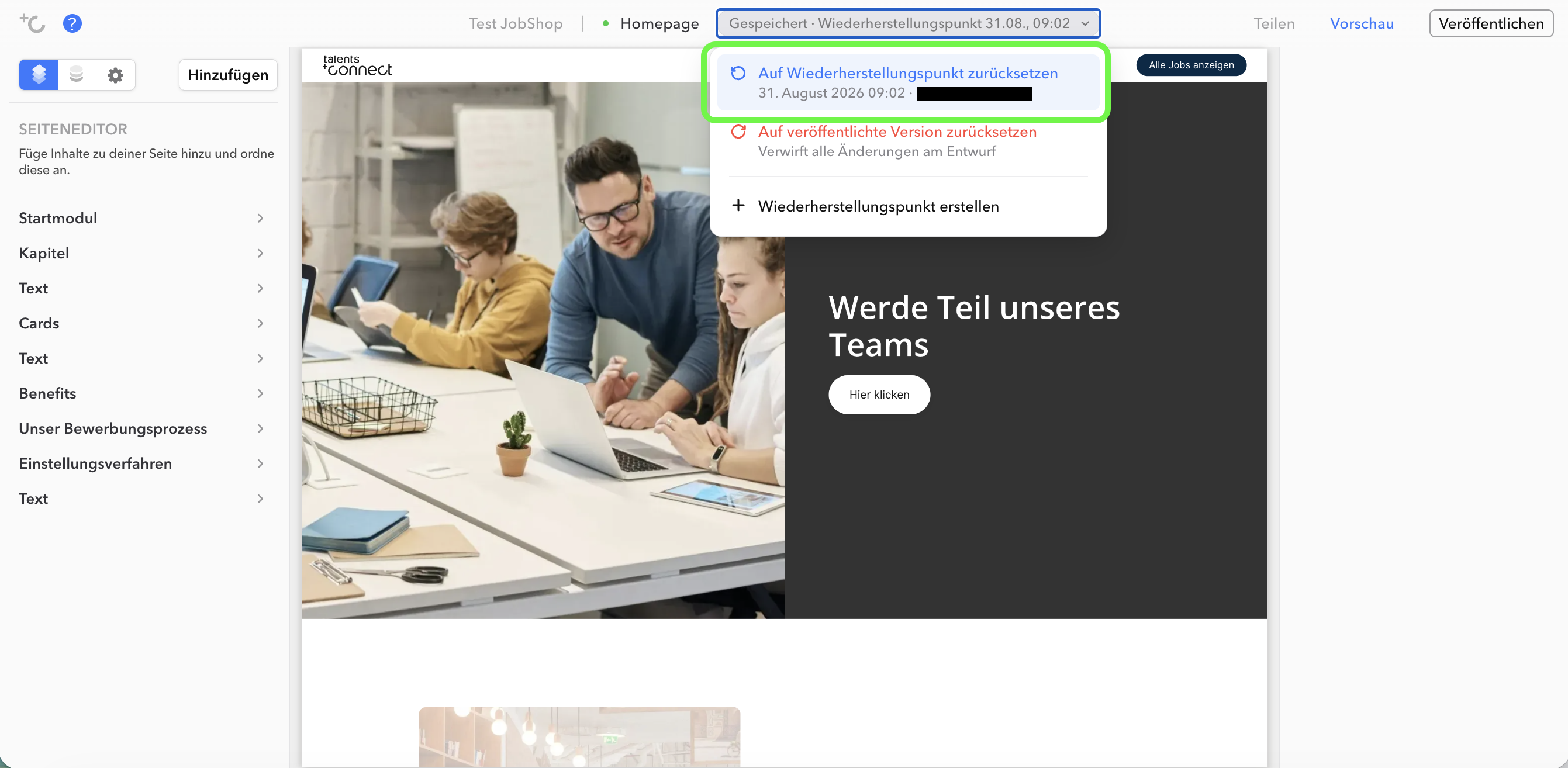
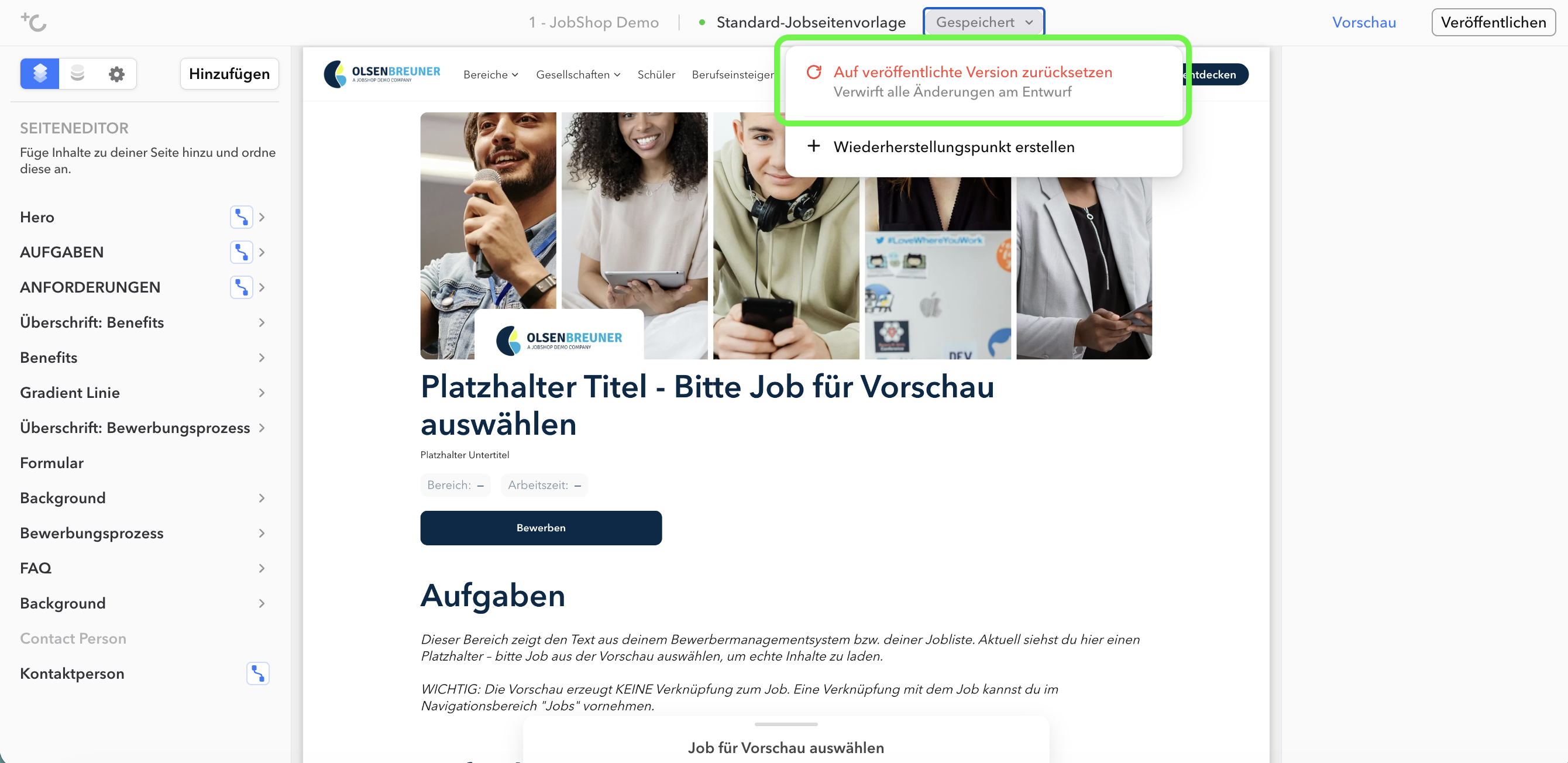
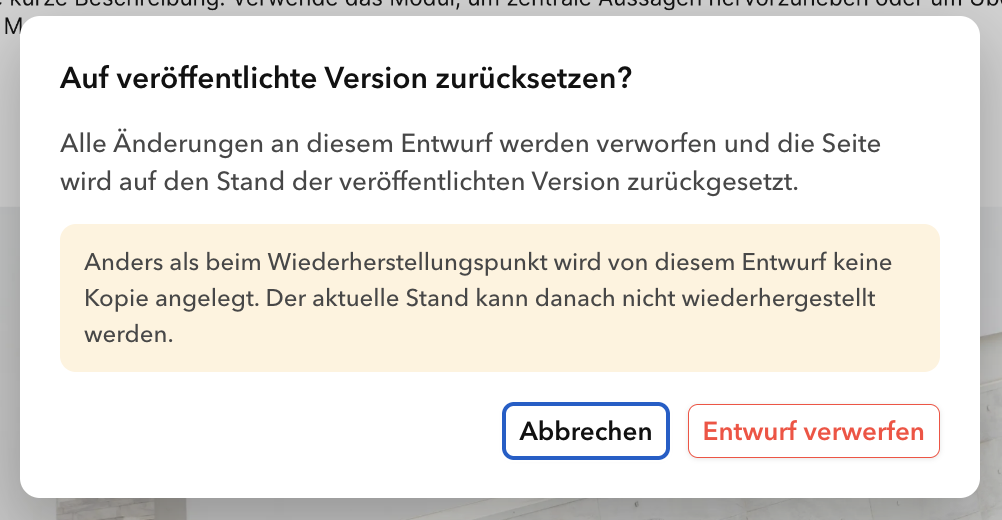
Reset to published version: Discards all unpublished changes and resets the draft to the currently live version. This option is only available for pages that have already been published, since there would otherwise be nothing to revert to.
Good to know
- This is a single snapshot, not a version history. There is exactly one restore point per page – one step back, not a searchable timeline.
- It applies to the page, not to the entire JobShop. A restore point saves the page content and page settings. JobShop-wide settings such as navigation, footer, colors, and fonts are not included and are not affected by a restore.
- Only the person currently editing can see the actions. The editor assigns an editing lock per page. Only whoever holds that lock can create and restore snapshots – everyone else can see the status, but not the controls.
As of: August 2026 ✦ Language: English
Was this article helpful?
That’s Great!
Thank you for your feedback
Sorry! We couldn't be helpful
Thank you for your feedback
Feedback sent
We appreciate your effort and will try to fix the article