In this article, you'll get a brief introduction to the JobShop talentsconnect home and a list of the available functionalities.
Introduction to the talentsconnect home
The talentsconnect home is the area of your company where you can edit the jobs in your JobShop and view its data & analytics. You also have the option to design your Custom Pages and job page templates via our Page Manager.
You'll receive access to your talentsconnect home from us by email as soon as we've enabled it for you.
The talentsconnect home is currently divided into the following sections:
- Home
- Overview
- Data & Analytics
- Jobs
- Contact Persons
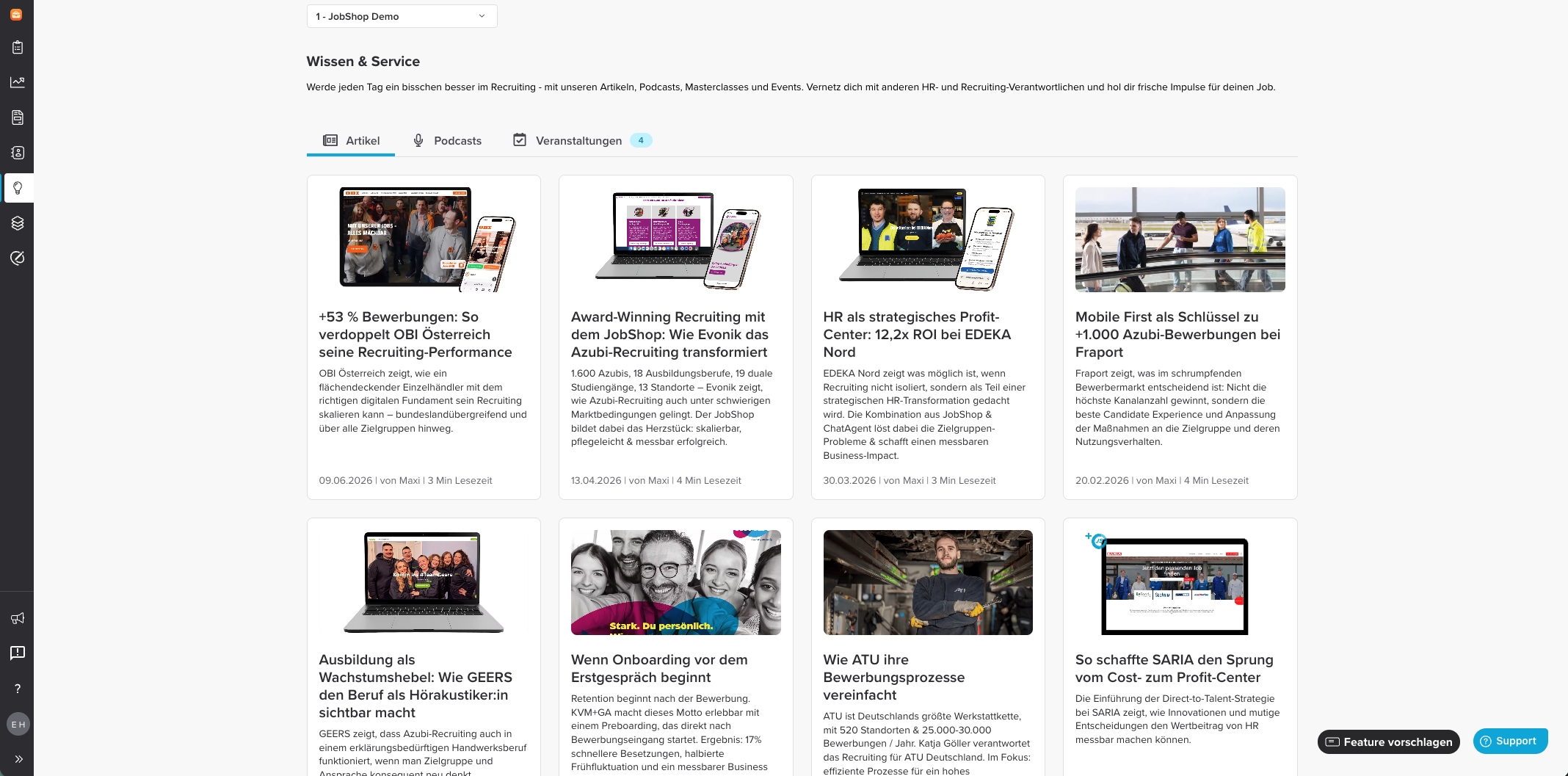
- Knowledge & Service
- Page Manager
Below, each section is briefly explained.
Home
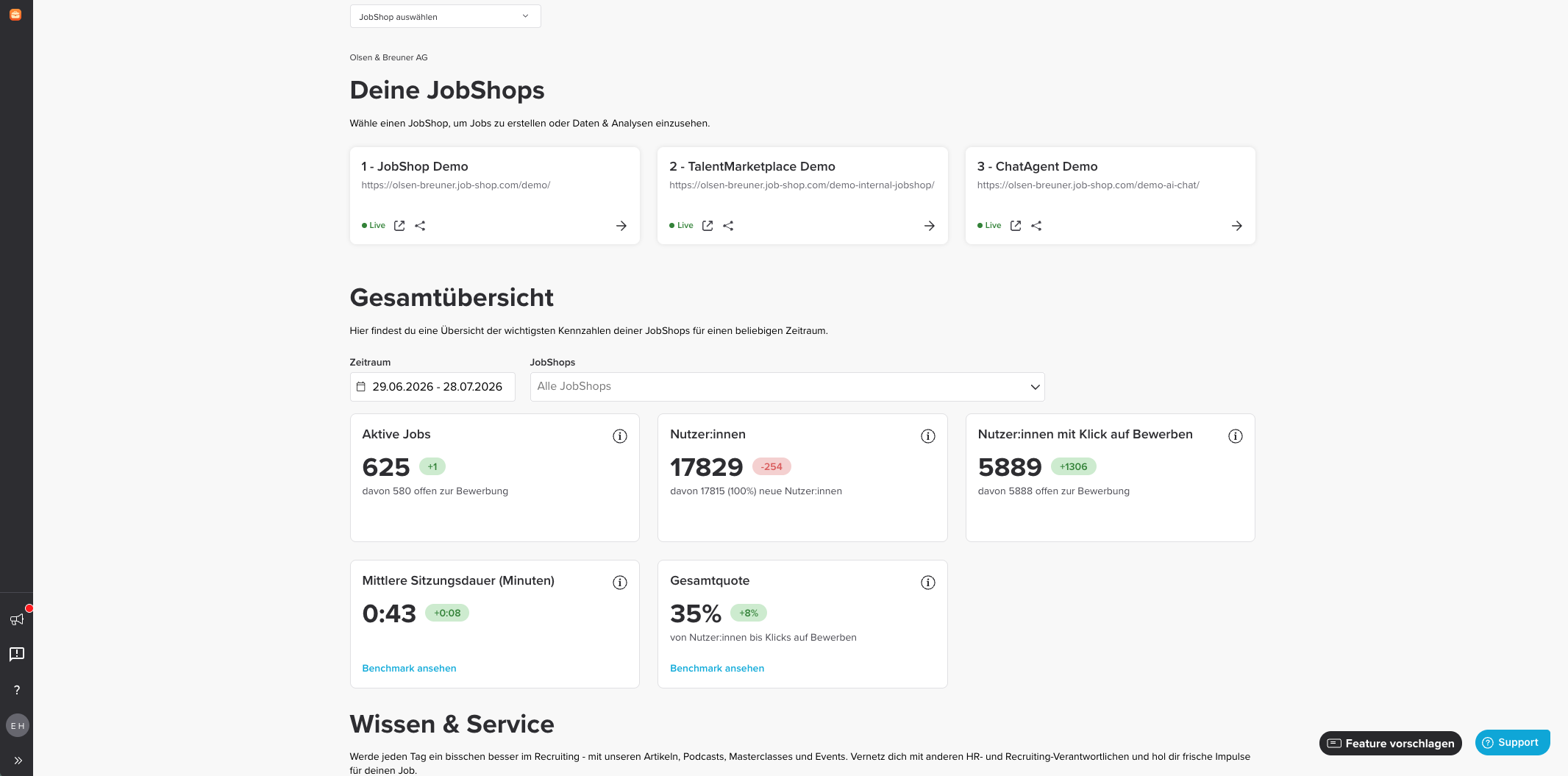
On the homepage of your talentsconnect home, you'll find an overview of all existing JobShops of your company. In the overall overview, you see your main metrics from the Data & Analytics section across all your JobShops, and in the Knowledge & Service section you get helpful tips and information on how to further improve your recruiter experience.
Overview
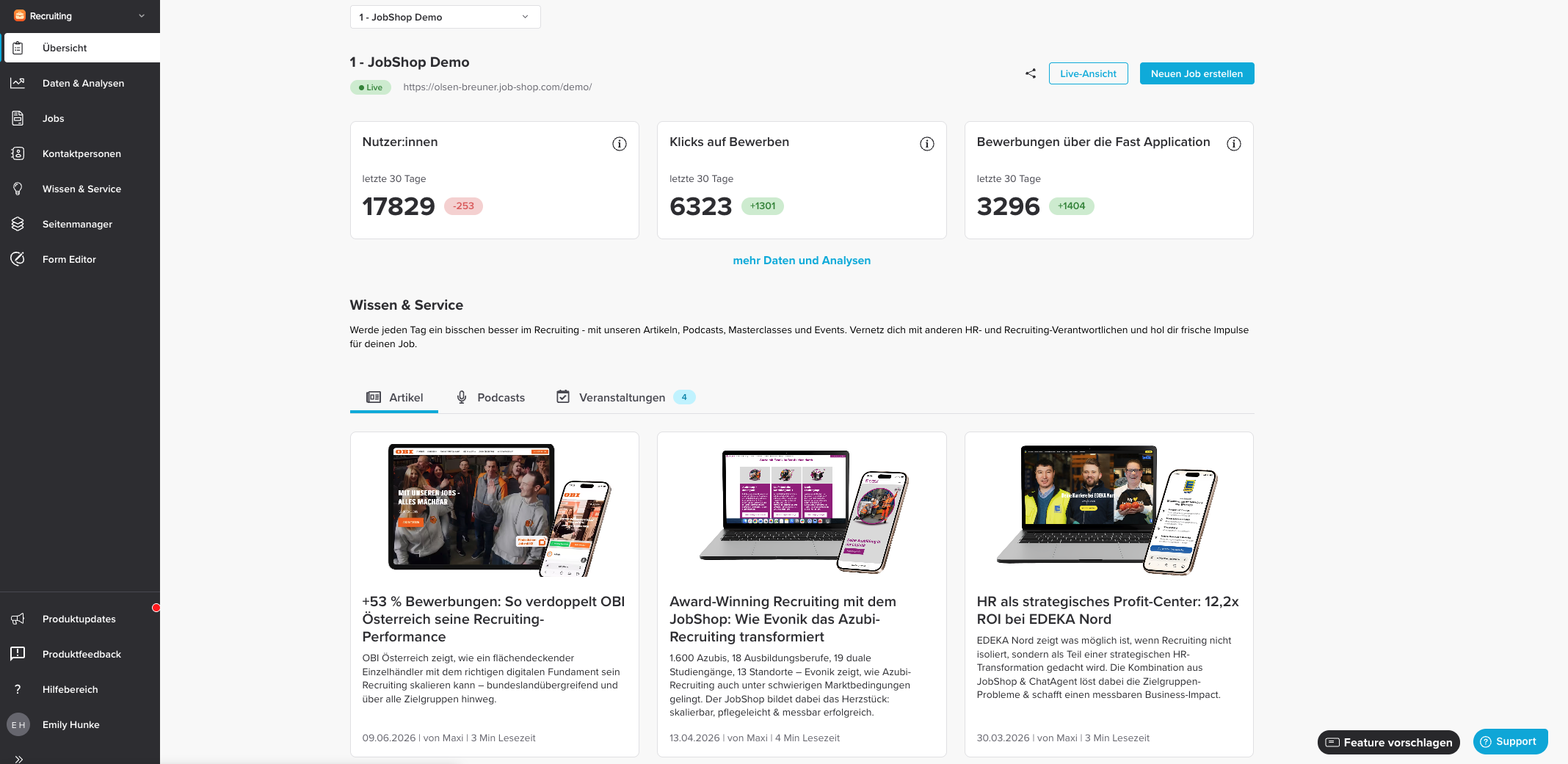
Clicking on a JobShop takes you to the Overview. The Overview gives you a quick glance at some information about your JobShop, such as the title, status, the URL where your JobShop can be reached, and also the current performance of the three most important metrics.
In addition, a button here lets you create a new job directly.
Data & Analytics
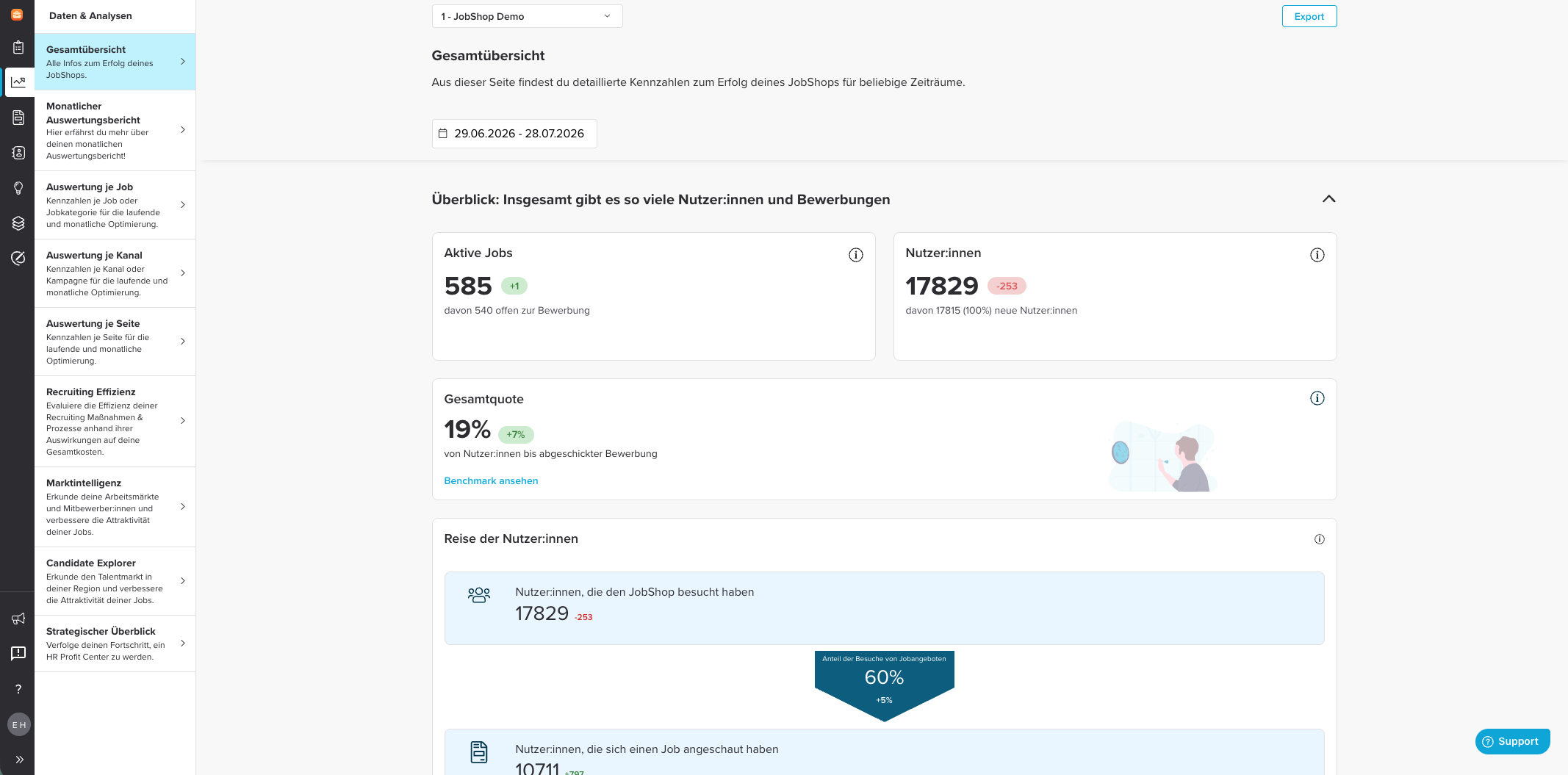
The "Data & Analytics" section shows you data, benchmarks, and recommended actions regarding your JobShop's performance. Here you can track how users behave in the JobShop.
A detailed description of this section can be found in the following article: Data & Analytics in the talentsconnect home
Jobs
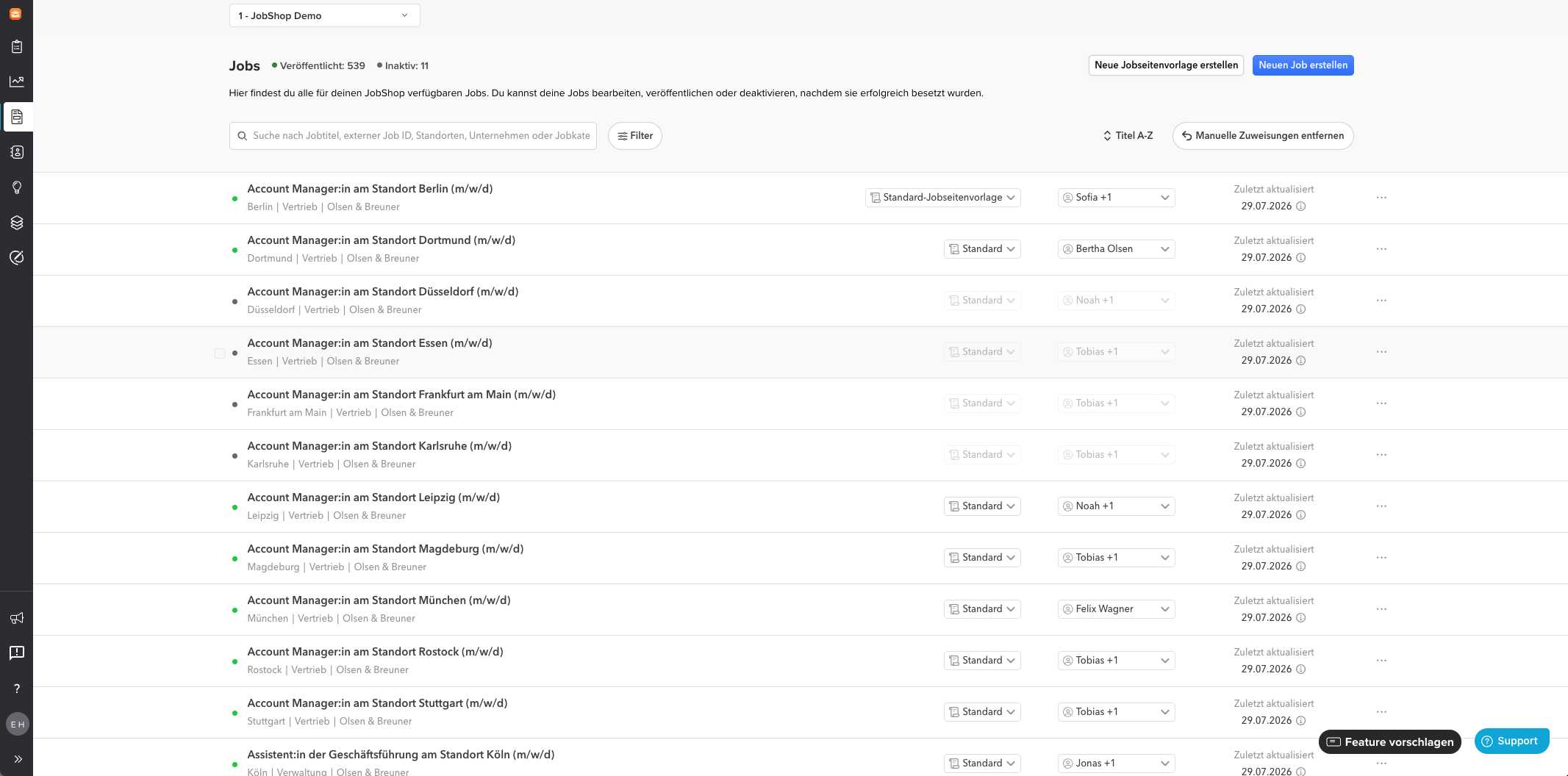
The "Jobs" page in the talentsconnect home is your central hub for jobs in your JobShop. Here you'll see all currently published as well as inactive jobs together with their most important properties in a clear table. You can see which job is assigned to which job page template, as well as which contact person(s) are assigned to the job. From here you can also create new jobs or edit existing ones.
You can find out how to create a job here.
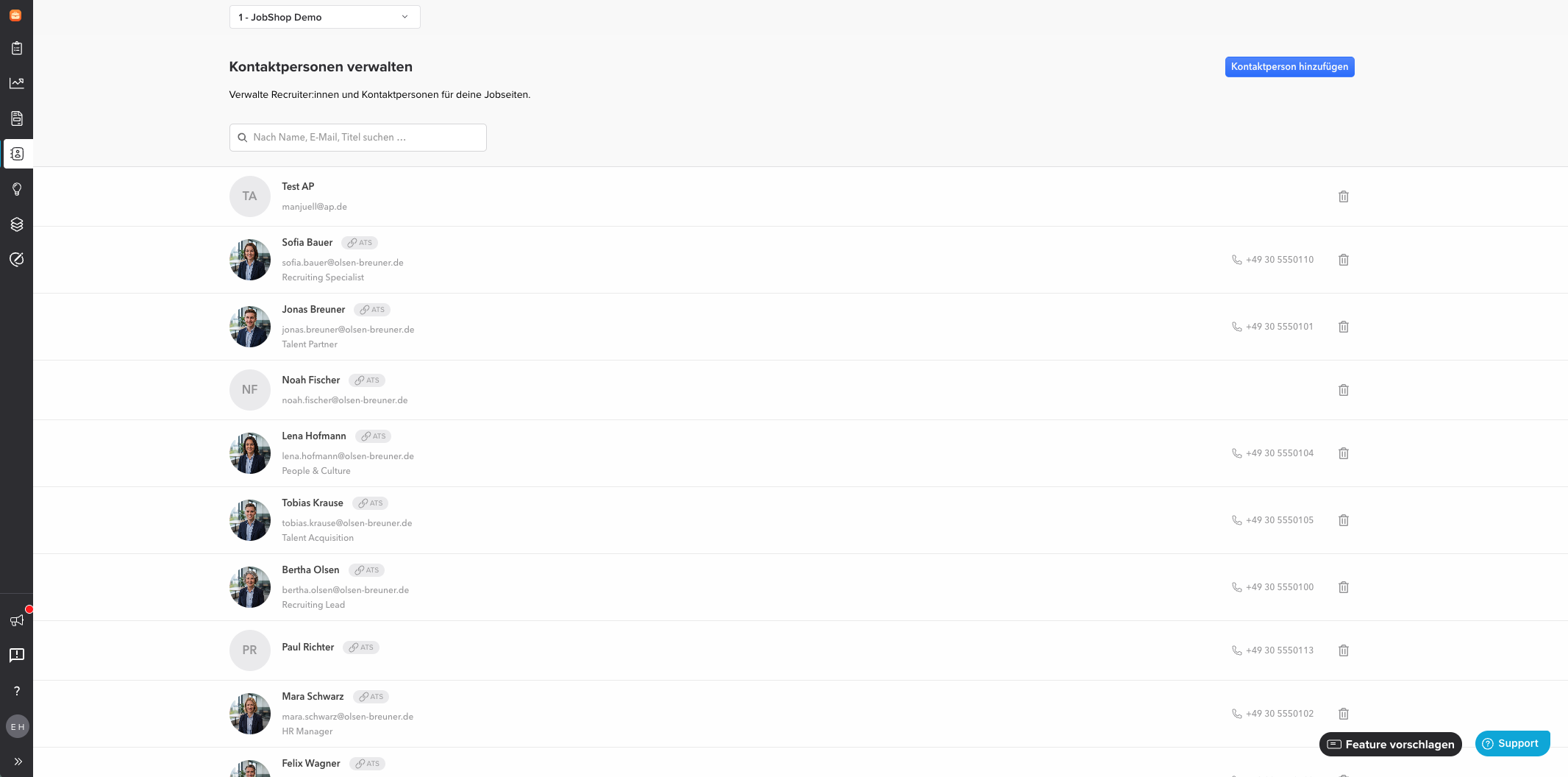
Contact Persons
Here you see all contact persons of your JobShop – either created automatically through the connection with your ATS or added manually by you. You can make changes directly here. More detailed explanations on creating, assigning, and editing contact persons can be found here.
Page Manager
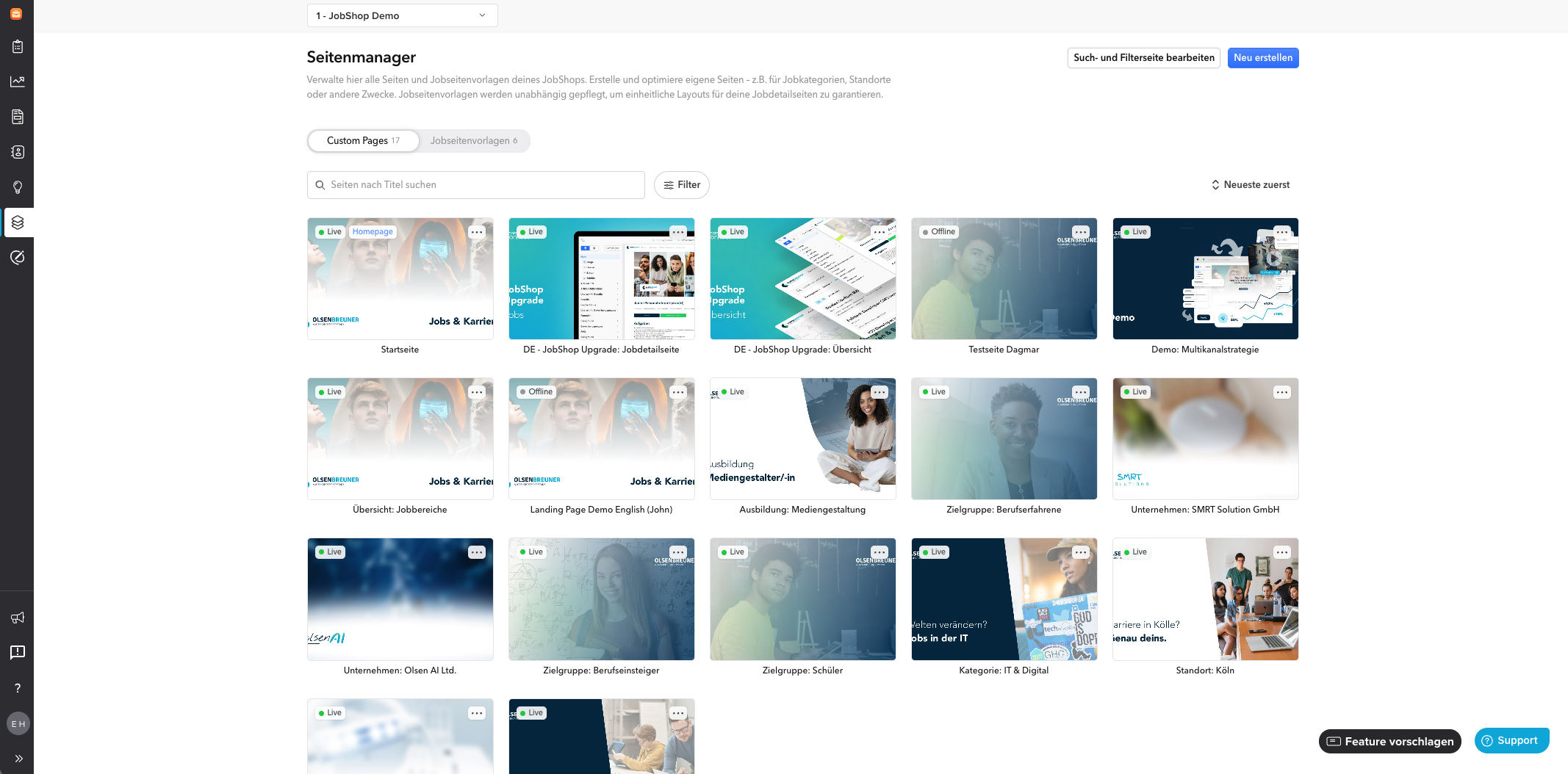
The Page Manager allows you to independently customize the pages of your JobShop.
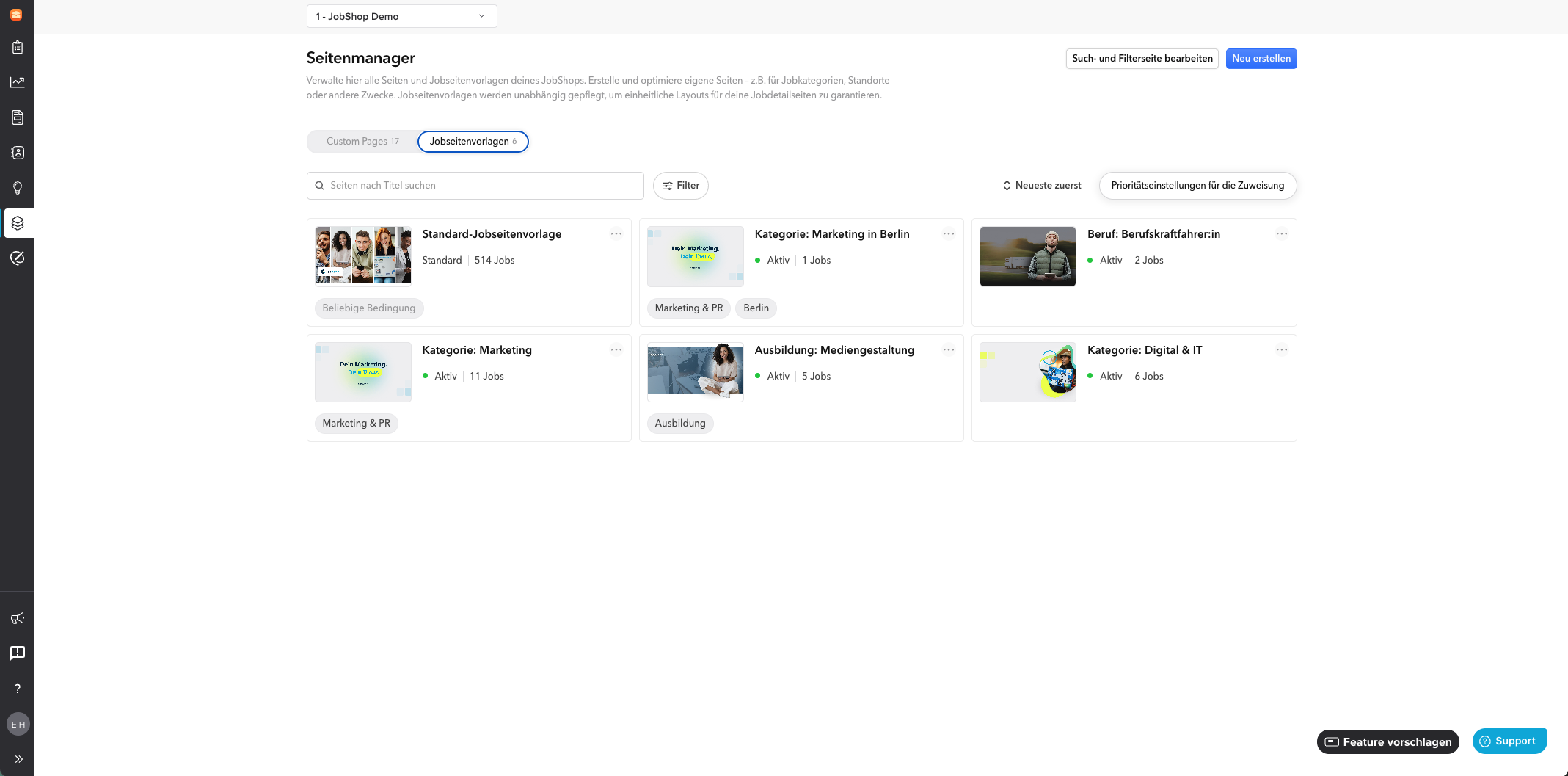
You can open the editor via the new "Page Manager" menu item at the JobShop level in the talentsconnect home. The Page Manager is divided into "Custom Pages" and "Job Page Templates".
- Custom Pages:all your pages outside of the job pages, such as your homepage or information pages.
- Note: For each JobShop, you can individually customize the homepage.
- Job Page Templates:templates for your jobs. The job data is automatically pulled per job (from your ATS), creating a job detail page.
- Job data + job page template = job detail page
Custom Pages
Job Page Templates
Editor
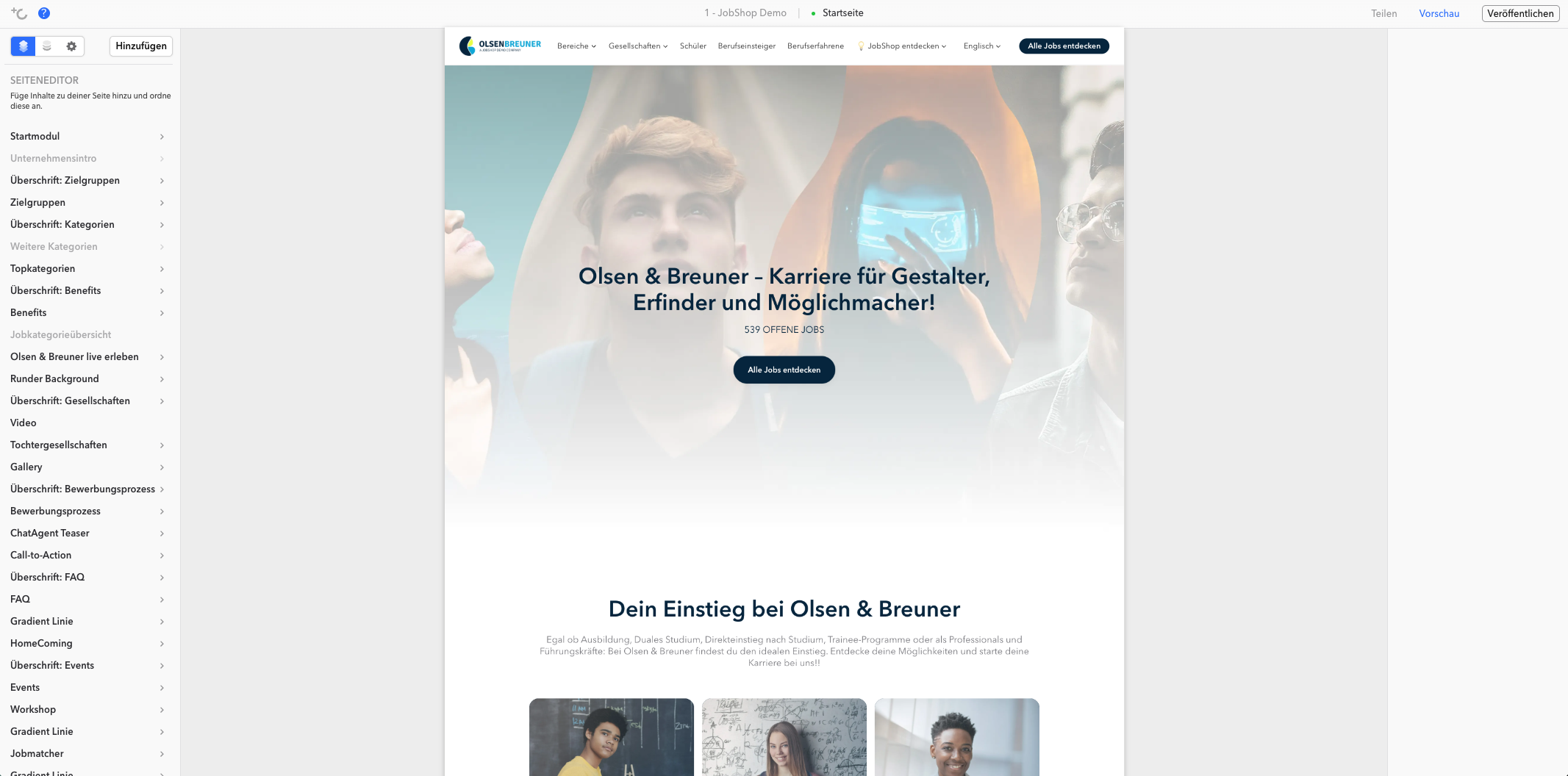
If you'd like to learn more, feel free to visit the following page: Page Manager - Settings
Knowledge & Service
Learn more every day with our articles and podcasts to optimize your recruiting activities. Use our events, trainings, or masterclasses to exchange ideas with other recruiters. You can also learn more about our additional services or about recently released features for your JobShop.
Video Explanation (not up to date)
Last updated: July 2026 ✦ Language: English ✦ Audience: talentsconnect customers
Was this article helpful?
That’s Great!
Thank you for your feedback
Sorry! We couldn't be helpful
Thank you for your feedback
Feedback sent
We appreciate your effort and will try to fix the article