Overview
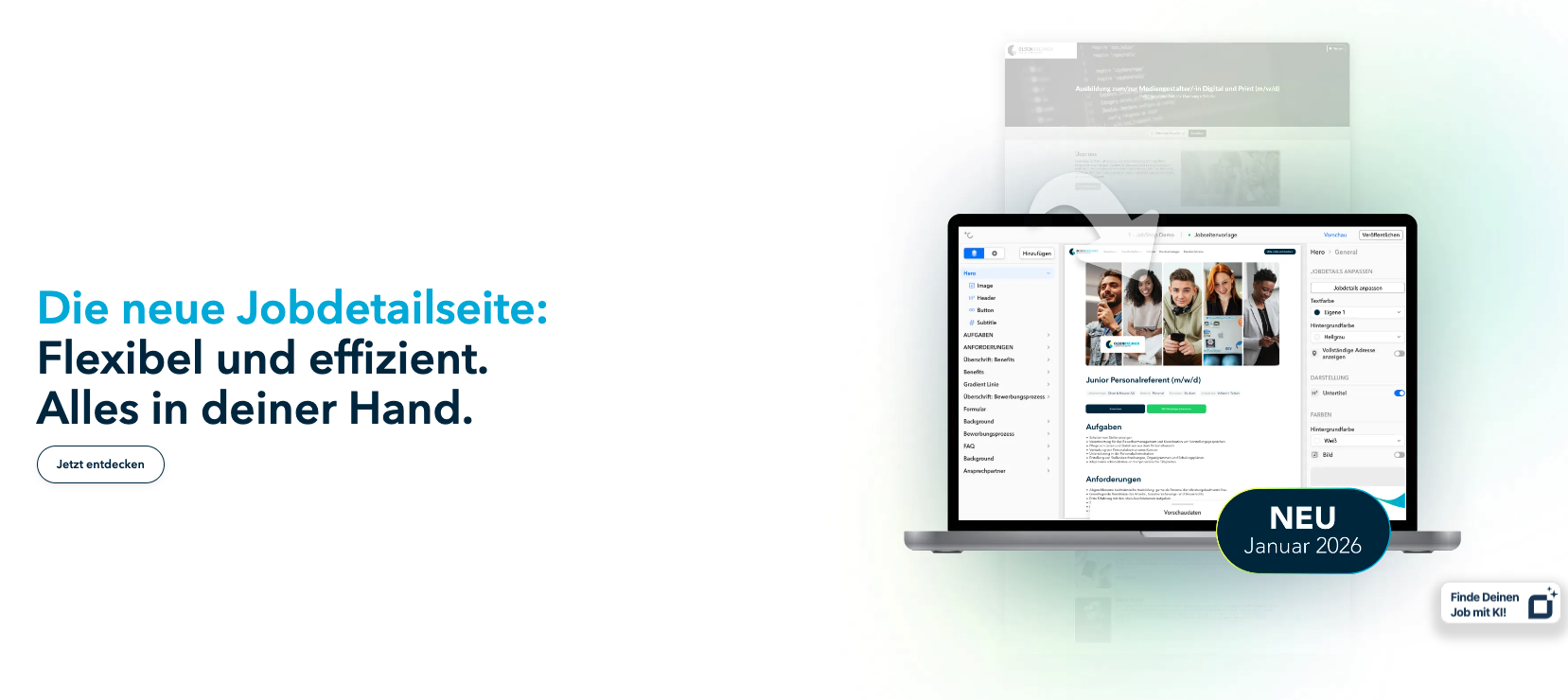
The new job detail page in the JobShop fundamentally modernizes the presentation of job listings. Instead of rigid HTML layouts, jobs are now displayed using flexibly configurable job page templates ("templates").
This enables a consistent appearance, modern page structures, and the targeted delivery of different layouts for different target groups.
INFO: In 2026 the new functionalities will be rolled out gradually to designated customer groups and continuously expanded. The complexity of the current job pages and the overall JobShop will be taken into account. Feel free to discuss with your talentsconnect contact whether your JobShop already meets all the requirements or will be migrated in a later cohort.
What's new? – The core concept
The job detail page is based on a new system:
Job data + Job page template → finished job detail page
In this process:
the layout is fully controlled by the chosen template,
the content is dynamically taken from the job data,
the design is flexibly configurable.
Template-based presentation
Job page templates define:
Structure and order of content elements,
Design modules such as hero section, images, benefits, card modules,
Display of CoreJobData and job details (e.g. location, working hours, salary, remote share, department).
Consistent and scalable design
Companies can:
create one or more templates,
assign jobs to a specific selected template,
swap visual content without having to edit the jobs themselves.
Benefits at a glance
Efficiency & time savings
Create templates once → use them as often as you like.
Hardly any manual layout maintenance required.
Changes to a template take effect immediately for all assigned jobs.
Consistent candidate experience
All job listings follow a clear structure.
Clean layouts, modular building blocks, and more easily understandable content.
Professional employer brand presence – regardless of job volume.
Maximum flexibility
Different templates for different job types are possible, e.g.:
Blue-collar / White-collar
Tech jobs
Trainee positions
Location-based jobs
Modules can be freely combined and sorted.
Better conversion
User-friendly layout improves navigation and readability.
Attractive presentation supports the decision to apply.
Optional interactive modules for linking to additional content (e.g. maps, benefits, image galleries).
Requirements for the applicant tracking system (ATS)
You can find out what options are available for assigning jobs to templates in the following article under the heading "How do I assign jobs to templates?".
URL structure & redirects
The new job detail pages use a modern URL schema:/jobs/[title]/[job-ID]
Redirects
Old URLs are automatically redirected.
No adjustments needed on company websites.
SEO is not affected – existing rankings are preserved.
Go-live process
Preparation
Analysis of existing layouts
Definition of target groups & desired templates
Creation of the first job page template (best practice: "default template")
Creation of all additional job page templates
If previously in use: setting up the Fast Application (by a customer support team member at talentsconnect)
Implementation
Configure template(s)
Arrange modules and define design
Connect a test job to the template
Check the application form
Validate the preview
Go-live
Activate templates
Assign jobs
Test redirects
Send a communication notice to your team
Best practices
Start with one template
For the start, a single well-designed template is sufficient.
You can expand later.
Make extensive use of the preview
Make sure that:
all job data is displayed correctly,
optionally missing data is handled gracefully,
images look good.
Use target-group-specific templates
If you have multiple talent groups:
Tech jobs → modern, visuals, modular layout
Sales → clear benefits & highlights
Blue collar → simple structure, high readability, highlight working conditions (location, transport links, salary, etc.)
Continuously optimize
Gather feedback from recruiting & marketing
Monitor analytics (bounce rate, time on page, CTR on apply button)
Update templates regularly
FAQ
Are old job detail pages still accessible?
Yes. Old URLs automatically redirect to the new pages.
Can I use multiple templates at the same time?
Yes – this is even recommended for different job types.
What happens if no template value is maintained in the ATS?
The default template is used automatically.
Can the layout be changed later?
Yes. Changes to a template take effect immediately for all jobs linked to it.
Is there an extra cost for using the new job detail pages?
No – it is part of the JobShop Evolution system.
Summary
The new job detail page enables:
modern, modular presentation of job listings
strong unification of the employer brand presence
less maintenance effort
higher applicant conversion
flexible layouts for different job types
This makes it an essential component of a modern recruiting technology stack.
Was this article helpful?
That’s Great!
Thank you for your feedback
Sorry! We couldn't be helpful
Thank you for your feedback
Feedback sent
We appreciate your effort and will try to fix the article